


OL

ollygrumpsOriginal Poster
Oct 8, 2011This group is about photos, so I guess they are important to us. Have you noticed how manmy photos have dissapeared from the discussion threads with the new TN website (Oct 2011). Also the old method of copying and pasting photos into the responses no longer works. Does anyone know how to do it now?
ReactReplySubscribe
Replies
- OLollygrumpsOriginal PosterOct 22, 2011
As an alternative we can upload photos to the group album (go to Photos and then to Upload Pictures). I'll upload some myself to get the ball rolling. You get to see them whan the group admin approves them.
ReactReply - UK
 Oct 26, 2011Posting pictures using the tool in the post authoring window is by far the easiest way - and finding the URL of any picture is simplicity itself.
Right click the picture.
Select 'Open link in new window'
Go to new window
Right click that picture.
Select 'Copy Image Location'
Go to wherever you want to give the picture URL and click 'Paste'.
This study is entitled "Never buy your hubby a wide angle lens for his birthday if you have body image issues". lol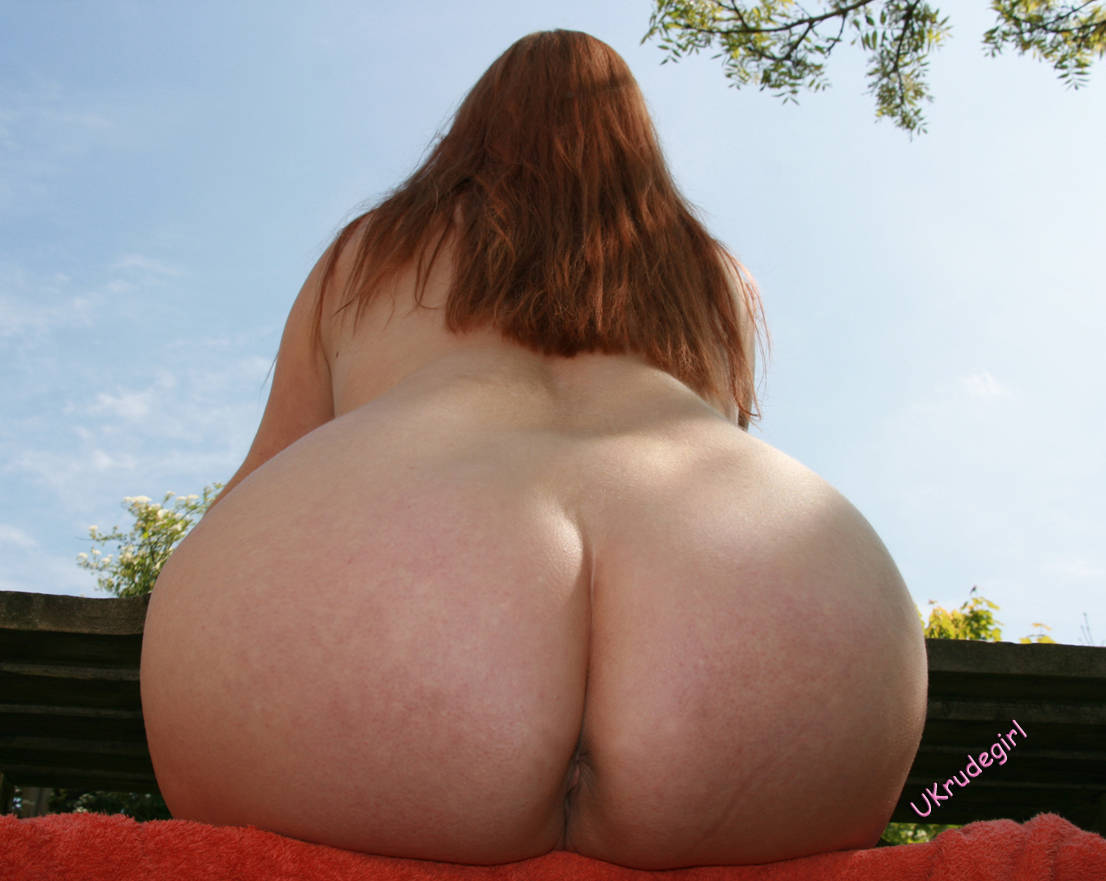
Love n stuff,
Rudie. xReactReply - ST
 Oct 26, 2011Don't know what the heck ya gotta do to post pic in message but added 3 of my nudist art photos to the group album....hopefully they will show up soon. They show what I do and enjoy as a nudist in my art. Hope you all enjoy!
DennyK AKA StPeteArtistReactReply - OLollygrumpsOriginal PosterNov 9, 2011We can uploaed photos into the group album. Once group admin has approved them we can all see them.
We can also post them into the discussionsfrom our profiles. This is a very simple method: Select your photo, click on it to get a bigger one. Then right click in the photo and select copy from the menue that pops up. Then come here, select the topic and reply as usual. You can put in some text. Then hit return to get the flashing cursur below the text. Right click below the text and select paste from the pop up menue.
[a class=lightbox title="Bare foot" href="http://cdn.image.truenudists.com/people/72mr4/c69ce1c7d7f2284b055e859cb1165b6b.jpg" jQuery16205114940834219845="1">[img src="http://cdn.image.truenudists.com/people/72mr4/94031192cd7cb15eab83a2f0c5a61e73.jpg">[/a]
You can add more text by clicking on the bottom right corner of the photo. If you click on the photo itself those little squares appear that allow you to cahnge its size.
[a class=lightbox title="Bare foot" href="http://cdn.image.truenudists.com/people/72mr4/c69ce1c7d7f2284b055e859cb1165b6b.jpg" jQuery16205114940834219845="1">[img style="WIDTH: 93px; HEIGHT: 171px" src="http://cdn.image.truenudists.com/people/72mr4/94031192cd7cb15eab83a2f0c5a61e73.jpg" width=185 height=353>[/a] Good luck
Olly (happy to be unwrapped)ReactReply